
BACK TO BLOG
Business

Avoiding SEO Pitfalls During WordPress Website Migrations

Work Hero
March 19, 2026
March 19, 2026

Launched:  

Location:  

Year Founded:  

Date joined Work Hero:

Amount saved using Work Hero:  

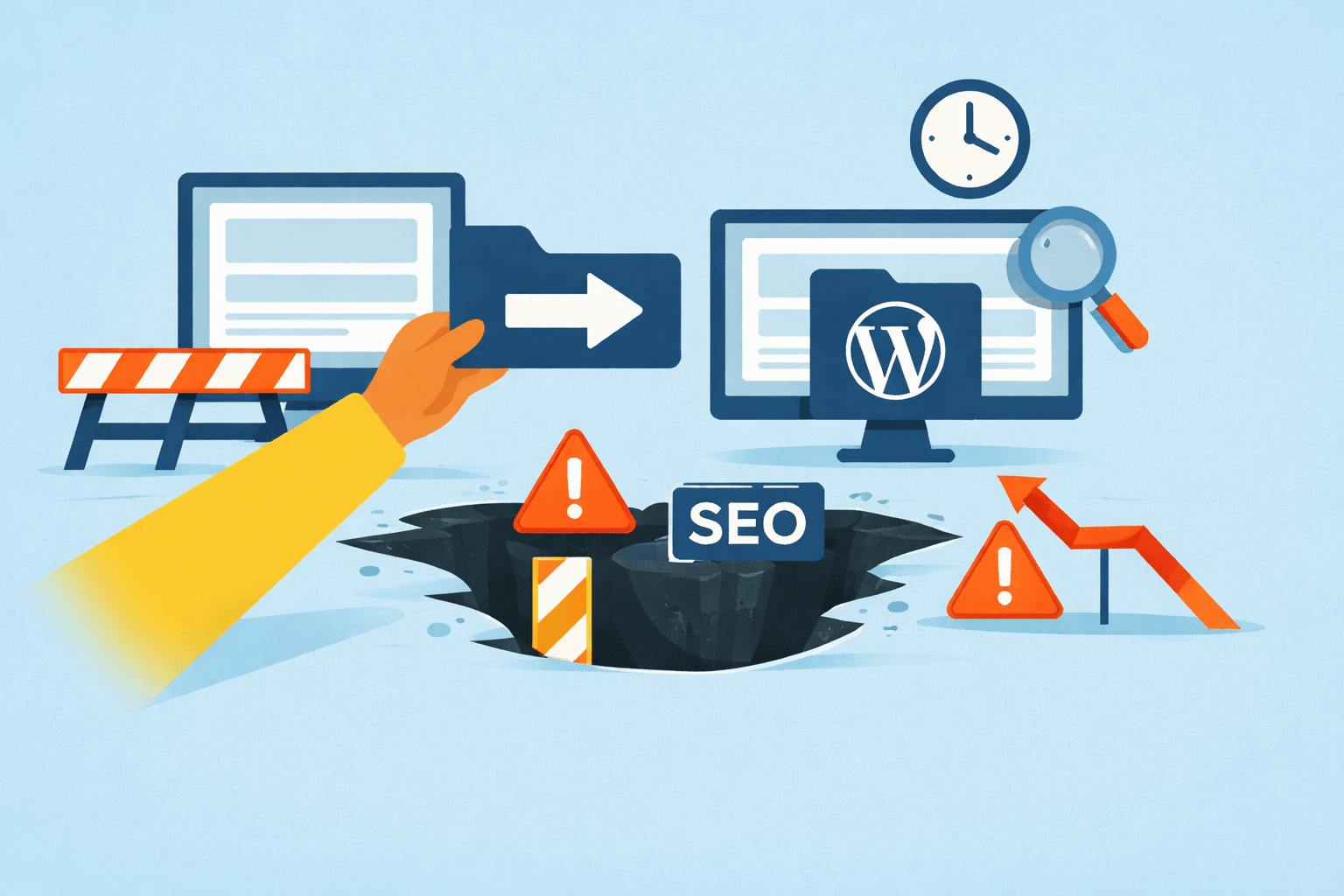
Migrating a WordPress site is a strategic move, not an SEO disaster waiting to happen. And yet, too often, agencies overseeing site migrations end up with broken rankings, lost traffic, and unhappy clients. The culprit? Overlooking the nuanced relationship between WordPress migrations and search engine optimization (SEO).

Whether you’re running a full-scale rebuild, moving to a new domain, or merging a multisite network, SEO must be protected at every stage. In this guide, we’ll unpack how agencies can avoid common SEO pitfalls during WordPress website migrations and how Work Hero’s all-in-one WordPress migration agency support helps you do it right.

Why WordPress Migrations Go Wrong (from an SEO Perspective)

Site migrations aren’t just about moving files and databases. They often involve:

  • URL structure changes
  • Design overhauls
  • Hosting environment updates
  • Plugin or theme switches
  • CMS or multisite-to-single-site transformations

Each of these can inadvertently affect your SEO if not handled with technical precision. Google’s own Search Central blog warns that “a site move with URL changes can be complex and may temporarily affect some of your traffic numbers.” If your redirects are misconfigured or your internal links break, rankings can drop quickly.

Agencies handling multiple client websites must understand how to plan, execute, and QA a migration through both a technical and strategic SEO lens.

1. Pre-Migration: Plan With SEO in Mind

Conduct a Full SEO Audit

Before initiating any migration, agencies should map the site's current SEO status. This includes:

  • Indexable URLs: Export a complete list via Screaming Frog or Ahrefs.
  • Top-performing pages: Use Google Search Console and Analytics to flag pages that drive the most traffic or conversions.
  • Backlink profile: Identify high-authority backlinks using tools such as Ahrefs or SEMrush.

Preserving these assets is critical. A migration without accounting for them can result in massive SEO losses.

Benchmark Your SEO Metrics

Before anything moves, establish benchmarks. Record:

  • Organic traffic trends
  • Keyword rankings
  • Page load speed
  • Domain authority

This makes it easier to spot and correct post-migration SEO dips.

2. Use 301 Redirects Like a Pro

If your migration involves changing URLs (such as from a subdirectory to the root or switching the permalink structure), 301 redirects are your best friend. They pass roughly 90–99% of link equity to the new URL, according to Moz.

Key rules:

  • Use server-level redirects (Apache .htaccess or NGINX redirect rules) rather than JavaScript or meta-refresh.
  • Ensure one-to-one mapping for high-value pages.
  • Don’t redirect everything to the homepage; it confuses crawlers and users.

Tools like All in One WP Migration help migrate content, but redirects are your responsibility. That’s where partnering with a white-label WordPress migration agency like Work Hero ensures you don’t miss crucial SEO steps.

3. Preserve Internal Linking Structures

Internal links help distribute link equity and guide crawl paths. If your URLs change and internal links still point to old URLs, you’ll get unnecessary redirects or broken links.

Post-migration, use Screaming Frog or WP plugins to:

  • Crawl the new site for broken internal links
  • Fix or update them to the correct destination
  • Watch out for orphan pages (important pages with no internal links)

Bonus tip: update your sitemap after correcting internal links, then resubmit it to Google Search Console.

4. Canonicals, Meta Tags, and Structured Data

Don’t Let Canonicals Work Against You

If your migration includes changing domains or subdomains, outdated canonical tags can sabotage SEO. A canonical link to the old site signals to search engines that the old version is authoritative, even when the new version is live.

Ensure every page’s canonical is updated to the new domain or path.

Meta Titles and Descriptions

If you’re rebuilding the site, ensure your dev or staging environment doesn’t strip out meta titles and descriptions. These are critical for click-through rate (CTR) and keyword relevance.

Work Hero Pro Tip

When redesigning sites in Figma, collaborate with SEO teams or Work Hero’s design-dev team to carry over optimized meta content into the final WordPress build.

5. Test Everything on a Staging Site First

Migration errors aren’t just SEO-related; they’re user-experience issues, too. A broken menu, inaccessible form, or plugin conflict can affect engagement metrics and bounce rates, which in turn can indirectly impact rankings.

What to test:

  • All page loads
  • Redirect chains
  • Canonicals
  • Mobile responsiveness
  • Schema markup
  • Page speed

Don’t forget to block staging sites from indexing using robots.txt or noindex meta tags. Google won’t be happy indexing a clone.

6. Post-Migration SEO Checklist

After going live, you’re not done. Monitor like a hawk.

  • Re-crawl the new site to identify broken links and redirects.
  • Monitor 404 errors in Google Search Console and set up new redirects as needed.
  • Monitor traffic dips and investigate ranking changes.
  • Resubmit the sitemap in Google Search Console.
  • Check analytics tags to ensure conversions are still tracked.

This is where having a trusted WordPress support team, like Work Hero, makes post-launch cleanup far more efficient.

The Multisite Factor: Extra SEO Considerations

If you’re running a WordPress Multisite network, migration becomes even more complex:

  • Subdomain vs. subdirectory structure affects SEO strategy.
  • Each site may have its own sitemap and analytics setup.
  • Global plugins or themes can create SEO conflicts across sites.

Work Hero specializes in WordPress multisite support and helps agencies navigate the nuances of migrating, scaling, or separating multisite networks without damaging SEO.

Should Agencies Handle WordPress Migrations Themselves?

If you’re a marketing agency offering WordPress services, SEO-safe migrations might not be your in-house expertise, and that’s okay.

Outsourcing to a WordPress migration agency or white label WordPress solutions provider ensures your client websites are in experienced hands, while you focus on strategy, content, or acquisition.

At Work Hero, our developers have 6–12 years of experience handling everything from one-page builds to complex multisite restructures. You get fast, reliable support without the freelance flakiness.

Why Agencies Trust Work Hero

Agencies choose Work Hero because we offer:

  • All-in-one web solutions Figma-to-WordPress design, dev, and launch
  • White label support maintains your client relationships while we do the work
  • Multisite and migration expertise from URL strategy to launch QA
  • U.S.-based reliability, no timezone delays or missed handoffs
  • Fast response times get help when you need it most

No more juggling freelancers or losing sleep over SEO tanking after a redesign. With Work Hero, your client’s WordPress site (and rankings) are in safe hands.

Don’t Let SEO Be an Afterthought

Your Next Move: Partner with Work Hero for Safe, Smart WordPress Migrations

SEO isn’t just another task in the migration checklist; it’s the foundation of your client’s visibility, traffic, and conversions. Ignoring it during a WordPress migration can undo months (or years) of marketing progress.

If you're an agency that builds, maintains, or migrates WordPress sites, let Work Hero be your behind-the-scenes partner. We handle development, technical SEO, and QA so you can scale smarter.

Get started with Work Hero Today and avoid SEO nightmares during your subsequent WordPress website migration.

seo pitfalls during wordpress website migrations

Avoiding SEO Pitfalls During WordPress Website Migrations

Migrating a WordPress site is a strategic move, not an SEO disaster waiting to happen. And yet, too often, agencies overseeing site migrations end up with broken rankings, lost traffic, and unhappy clients. The culprit? Overlooking the nuanced relationship between WordPress migrations and search engine optimization (SEO).

Whether you’re running a full-scale rebuild, moving to a new domain, or merging a multisite network, SEO must be protected at every stage. In this guide, we’ll unpack how agencies can avoid common SEO pitfalls during WordPress website migrations and how Work Hero’s all-in-one WordPress migration agency support helps you do it right.

Why WordPress Migrations Go Wrong (from an SEO Perspective)

Site migrations aren’t just about moving files and databases. They often involve:

  • URL structure changes
  • Design overhauls
  • Hosting environment updates
  • Plugin or theme switches
  • CMS or multisite-to-single-site transformations

Each of these can inadvertently affect your SEO if not handled with technical precision. Google’s own Search Central blog warns that “a site move with URL changes can be complex and may temporarily affect some of your traffic numbers.” If your redirects are misconfigured or your internal links break, rankings can drop quickly.

Agencies handling multiple client websites must understand how to plan, execute, and QA a migration through both a technical and strategic SEO lens.

1. Pre-Migration: Plan With SEO in Mind

Conduct a Full SEO Audit

Before initiating any migration, agencies should map the site's current SEO status. This includes:

  • Indexable URLs: Export a complete list via Screaming Frog or Ahrefs.
  • Top-performing pages: Use Google Search Console and Analytics to flag pages that drive the most traffic or conversions.
  • Backlink profile: Identify high-authority backlinks using tools such as Ahrefs or SEMrush.

Preserving these assets is critical. A migration without accounting for them can result in massive SEO losses.

Benchmark Your SEO Metrics

Before anything moves, establish benchmarks. Record:

  • Organic traffic trends
  • Keyword rankings
  • Page load speed
  • Domain authority

This makes it easier to spot and correct post-migration SEO dips.

2. Use 301 Redirects Like a Pro

If your migration involves changing URLs (such as from a subdirectory to the root or switching the permalink structure), 301 redirects are your best friend. They pass roughly 90–99% of link equity to the new URL, according to Moz.

Key rules:

  • Use server-level redirects (Apache .htaccess or NGINX redirect rules) rather than JavaScript or meta-refresh.
  • Ensure one-to-one mapping for high-value pages.
  • Don’t redirect everything to the homepage; it confuses crawlers and users.

Tools like All in One WP Migration help migrate content, but redirects are your responsibility. That’s where partnering with a white-label WordPress migration agency like Work Hero ensures you don’t miss crucial SEO steps.

3. Preserve Internal Linking Structures

Internal links help distribute link equity and guide crawl paths. If your URLs change and internal links still point to old URLs, you’ll get unnecessary redirects or broken links.

Post-migration, use Screaming Frog or WP plugins to:

  • Crawl the new site for broken internal links
  • Fix or update them to the correct destination
  • Watch out for orphan pages (important pages with no internal links)

Bonus tip: update your sitemap after correcting internal links, then resubmit it to Google Search Console.

4. Canonicals, Meta Tags, and Structured Data

Don’t Let Canonicals Work Against You

If your migration includes changing domains or subdomains, outdated canonical tags can sabotage SEO. A canonical link to the old site signals to search engines that the old version is authoritative, even when the new version is live.

Ensure every page’s canonical is updated to the new domain or path.

Meta Titles and Descriptions

If you’re rebuilding the site, ensure your dev or staging environment doesn’t strip out meta titles and descriptions. These are critical for click-through rate (CTR) and keyword relevance.

Work Hero Pro Tip

When redesigning sites in Figma, collaborate with SEO teams or Work Hero’s design-dev team to carry over optimized meta content into the final WordPress build.

5. Test Everything on a Staging Site First

Migration errors aren’t just SEO-related; they’re user-experience issues, too. A broken menu, inaccessible form, or plugin conflict can affect engagement metrics and bounce rates, which in turn can indirectly impact rankings.

What to test:

  • All page loads
  • Redirect chains
  • Canonicals
  • Mobile responsiveness
  • Schema markup
  • Page speed

Don’t forget to block staging sites from indexing using robots.txt or noindex meta tags. Google won’t be happy indexing a clone.

6. Post-Migration SEO Checklist

After going live, you’re not done. Monitor like a hawk.

  • Re-crawl the new site to identify broken links and redirects.
  • Monitor 404 errors in Google Search Console and set up new redirects as needed.
  • Monitor traffic dips and investigate ranking changes.
  • Resubmit the sitemap in Google Search Console.
  • Check analytics tags to ensure conversions are still tracked.

This is where having a trusted WordPress support team, like Work Hero, makes post-launch cleanup far more efficient.

The Multisite Factor: Extra SEO Considerations

If you’re running a WordPress Multisite network, migration becomes even more complex:

  • Subdomain vs. subdirectory structure affects SEO strategy.
  • Each site may have its own sitemap and analytics setup.
  • Global plugins or themes can create SEO conflicts across sites.

Work Hero specializes in WordPress multisite support and helps agencies navigate the nuances of migrating, scaling, or separating multisite networks without damaging SEO.

Should Agencies Handle WordPress Migrations Themselves?

If you’re a marketing agency offering WordPress services, SEO-safe migrations might not be your in-house expertise, and that’s okay.

Outsourcing to a WordPress migration agency or white label WordPress solutions provider ensures your client websites are in experienced hands, while you focus on strategy, content, or acquisition.

At Work Hero, our developers have 6–12 years of experience handling everything from one-page builds to complex multisite restructures. You get fast, reliable support without the freelance flakiness.

Why Agencies Trust Work Hero

Agencies choose Work Hero because we offer:

  • All-in-one web solutions Figma-to-WordPress design, dev, and launch
  • White label support maintains your client relationships while we do the work
  • Multisite and migration expertise from URL strategy to launch QA
  • U.S.-based reliability, no timezone delays or missed handoffs
  • Fast response times get help when you need it most

No more juggling freelancers or losing sleep over SEO tanking after a redesign. With Work Hero, your client’s WordPress site (and rankings) are in safe hands.

Don’t Let SEO Be an Afterthought

Your Next Move: Partner with Work Hero for Safe, Smart WordPress Migrations

SEO isn’t just another task in the migration checklist; it’s the foundation of your client’s visibility, traffic, and conversions. Ignoring it during a WordPress migration can undo months (or years) of marketing progress.

If you're an agency that builds, maintains, or migrates WordPress sites, let Work Hero be your behind-the-scenes partner. We handle development, technical SEO, and QA so you can scale smarter.

Get started with Work Hero Today and avoid SEO nightmares during your subsequent WordPress website migration.